Filter Data by Game Situation
Use TruMedia's situational filters to narrow stats to specific game contexts. In this example, we'll filter a player's batting stats to see how they perform with runners in scoring position.
Step 1: Navigate to a player's batting stats page
Go to a player's individual batting stats page. In this example, we'll look at Aaron Judge.
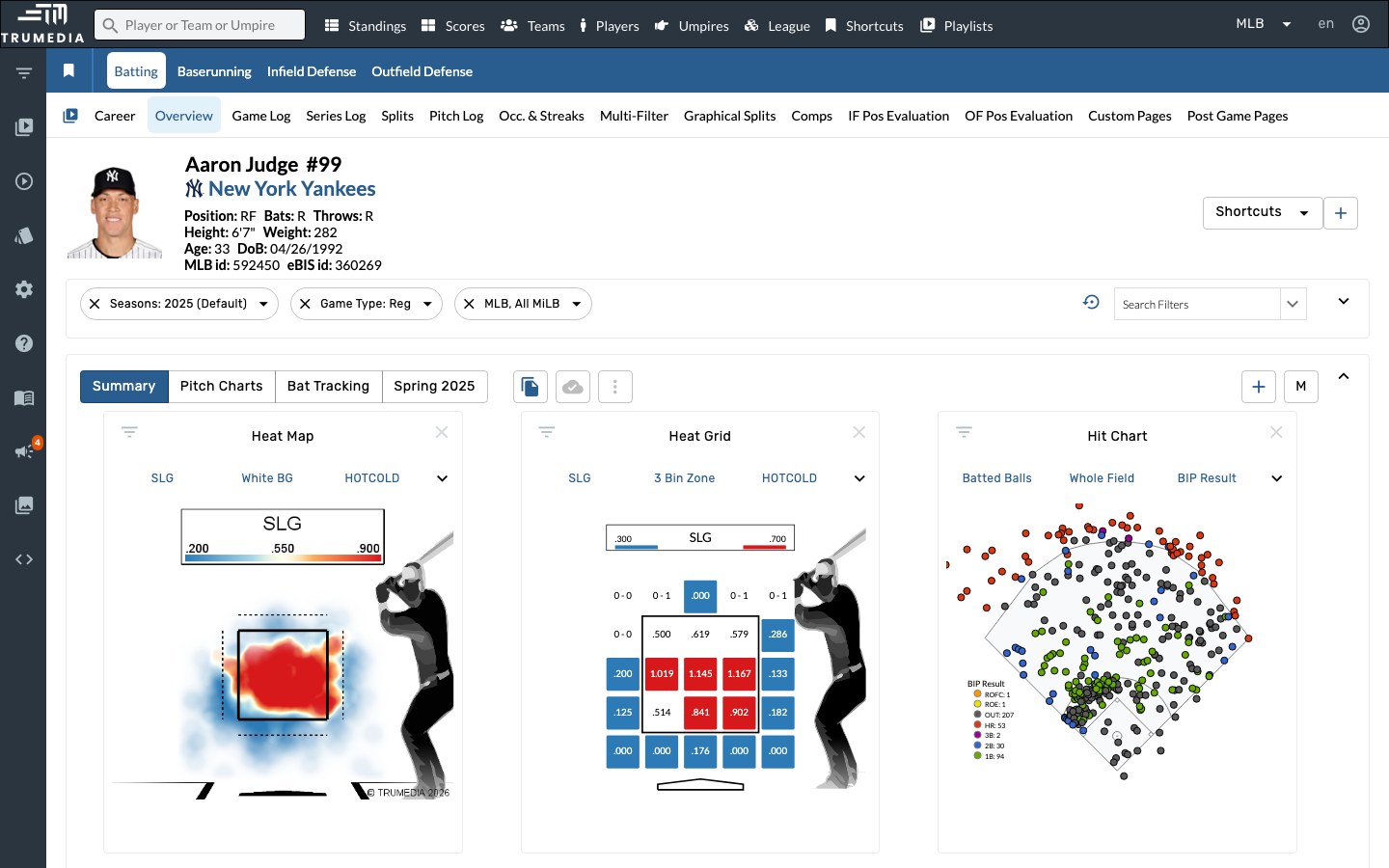
Step 2: Open the Search Filters panel
Click Search Filters on the right side of the filter bar to open the filter panel. You'll see a list of all available filters organized by category.
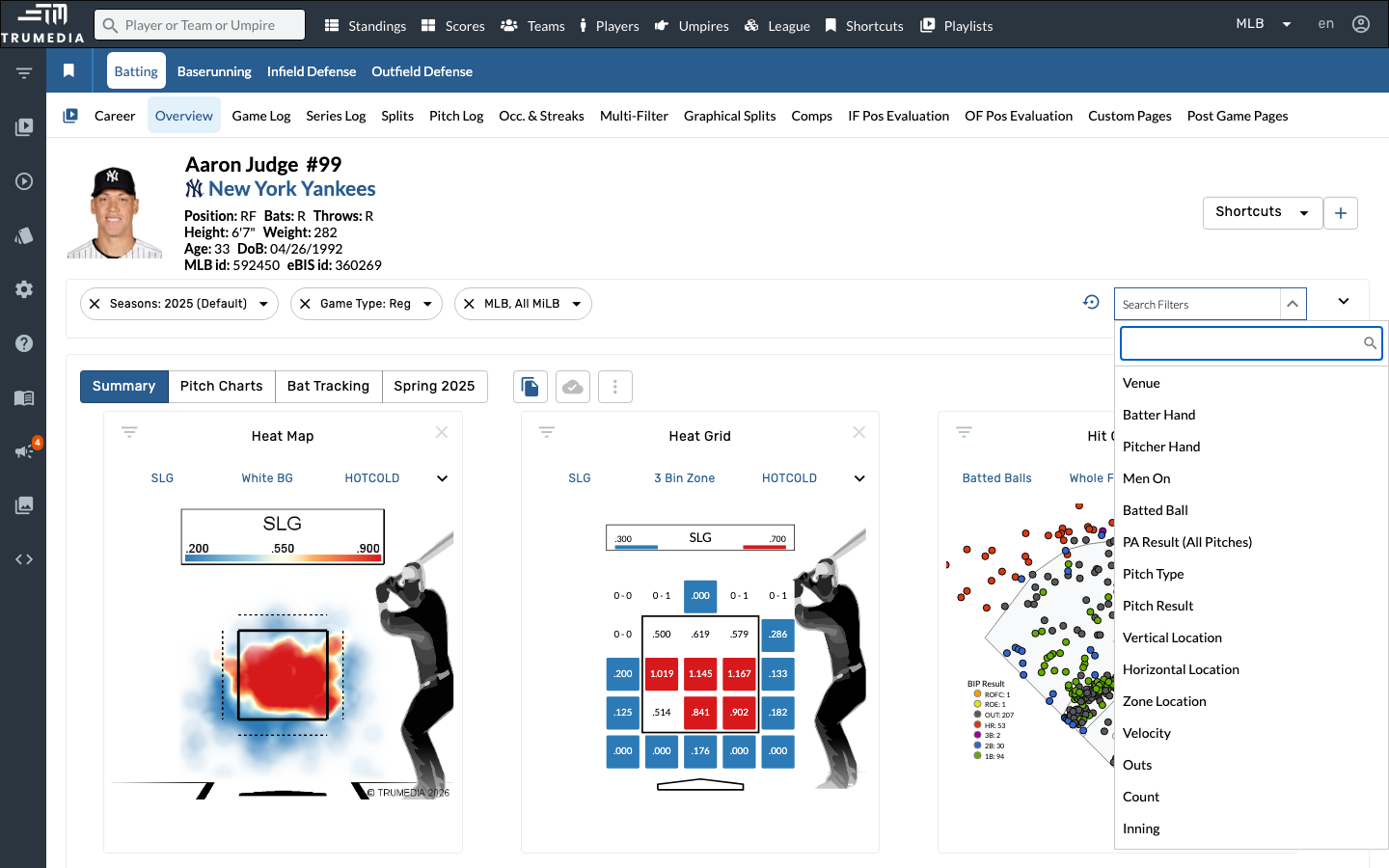
Step 3: Add the Men On filter
Click Men On in the filter list. This adds a base state filter to the filter bar, letting you specify which bases have runners.
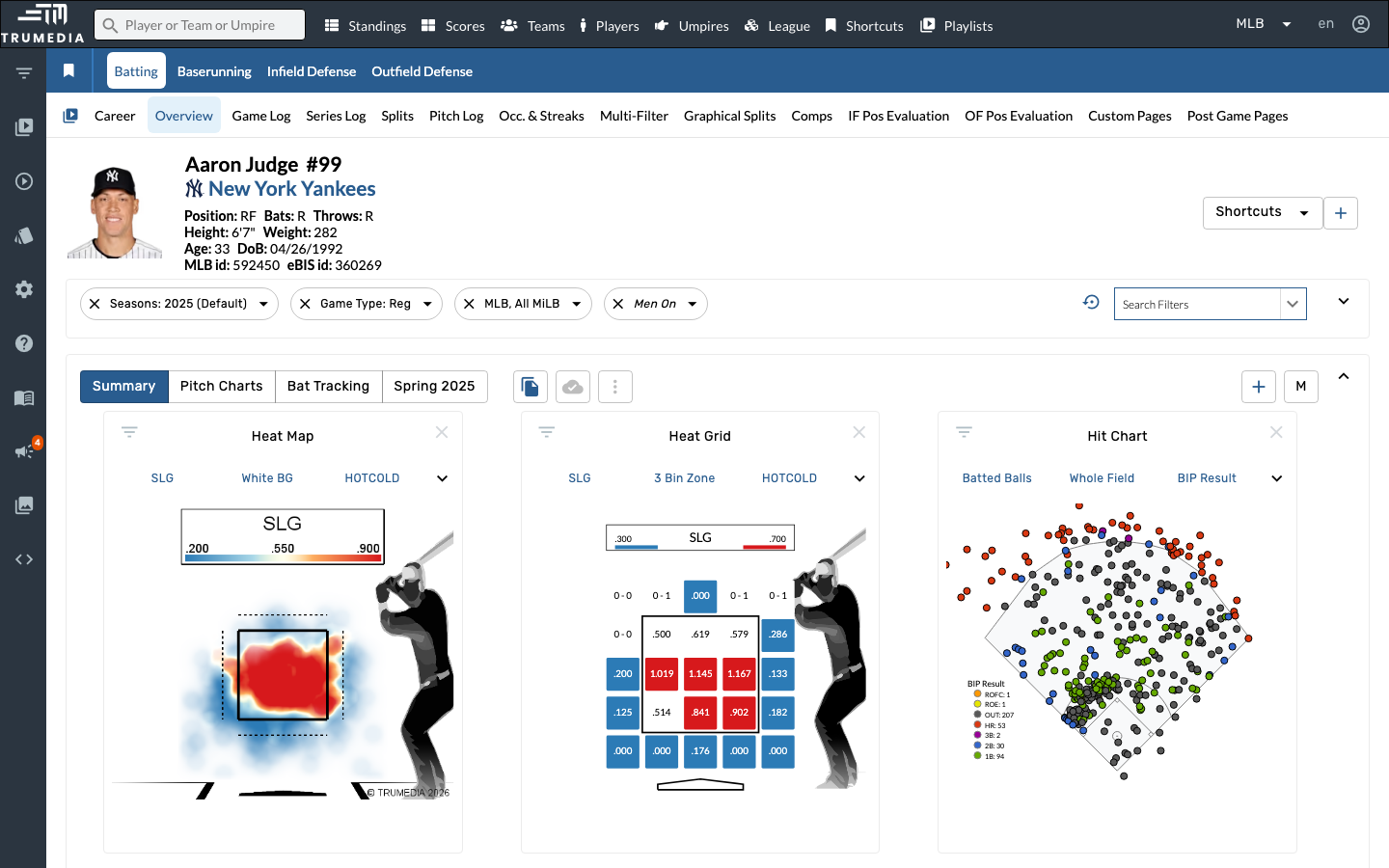
Step 4: Select RISP (Runners in Scoring Position)
Open the Men On dropdown in the filter bar and select RISP. The page updates to show only at-bats with runners in scoring position (2nd and/or 3rd base).
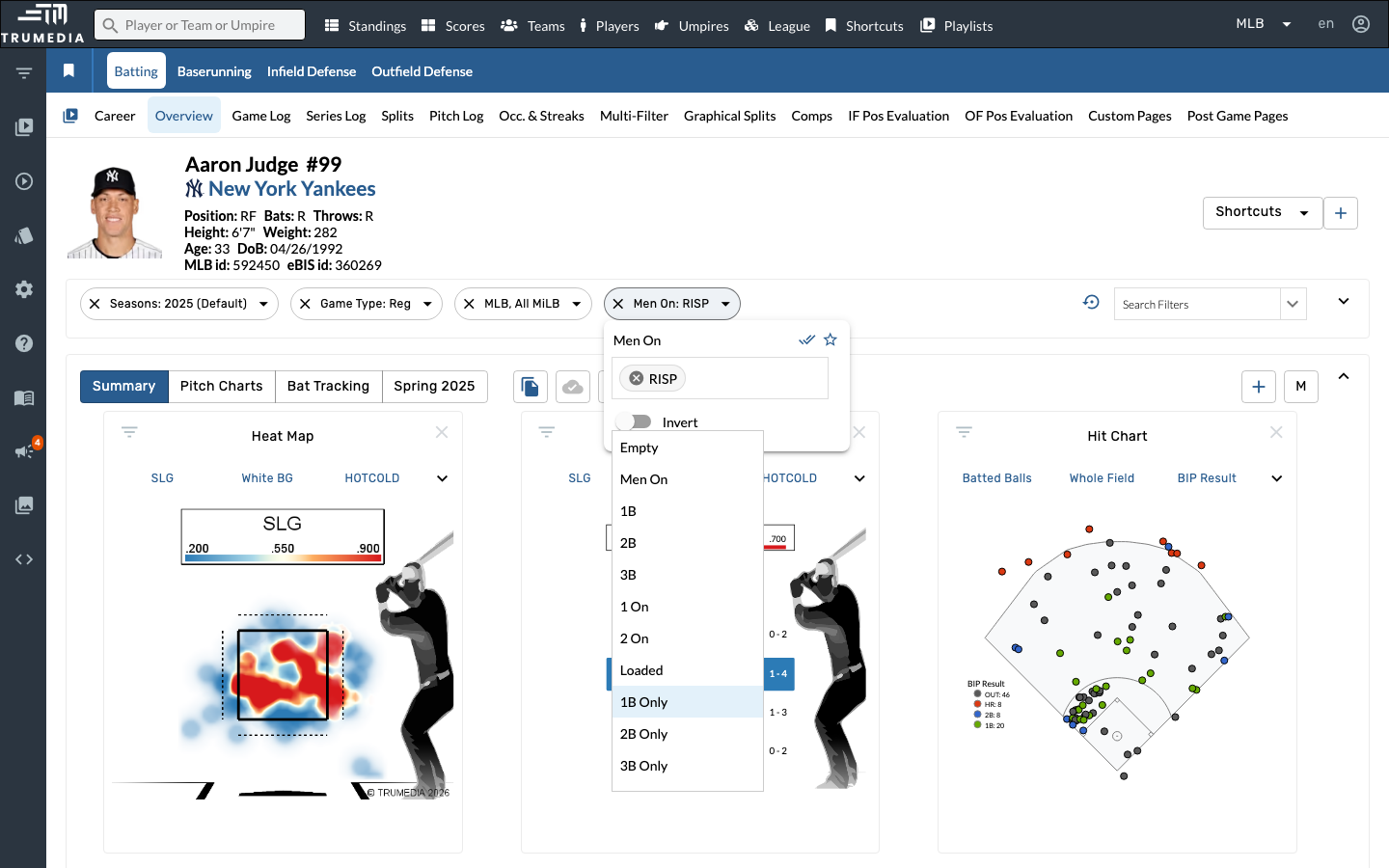
Key Takeaway
Situational filters let you isolate performance in specific game contexts — count, base-out state, inning, score differential, and more. Stacking multiple filters together lets you answer precise questions like "How does this hitter perform with RISP and two outs in late innings?"