Build a Custom Stat
Create a stat that doesn't exist natively using TruMedia's custom stat builder. Custom stats appear alongside native stats in reports, leaderboards, and custom pages.
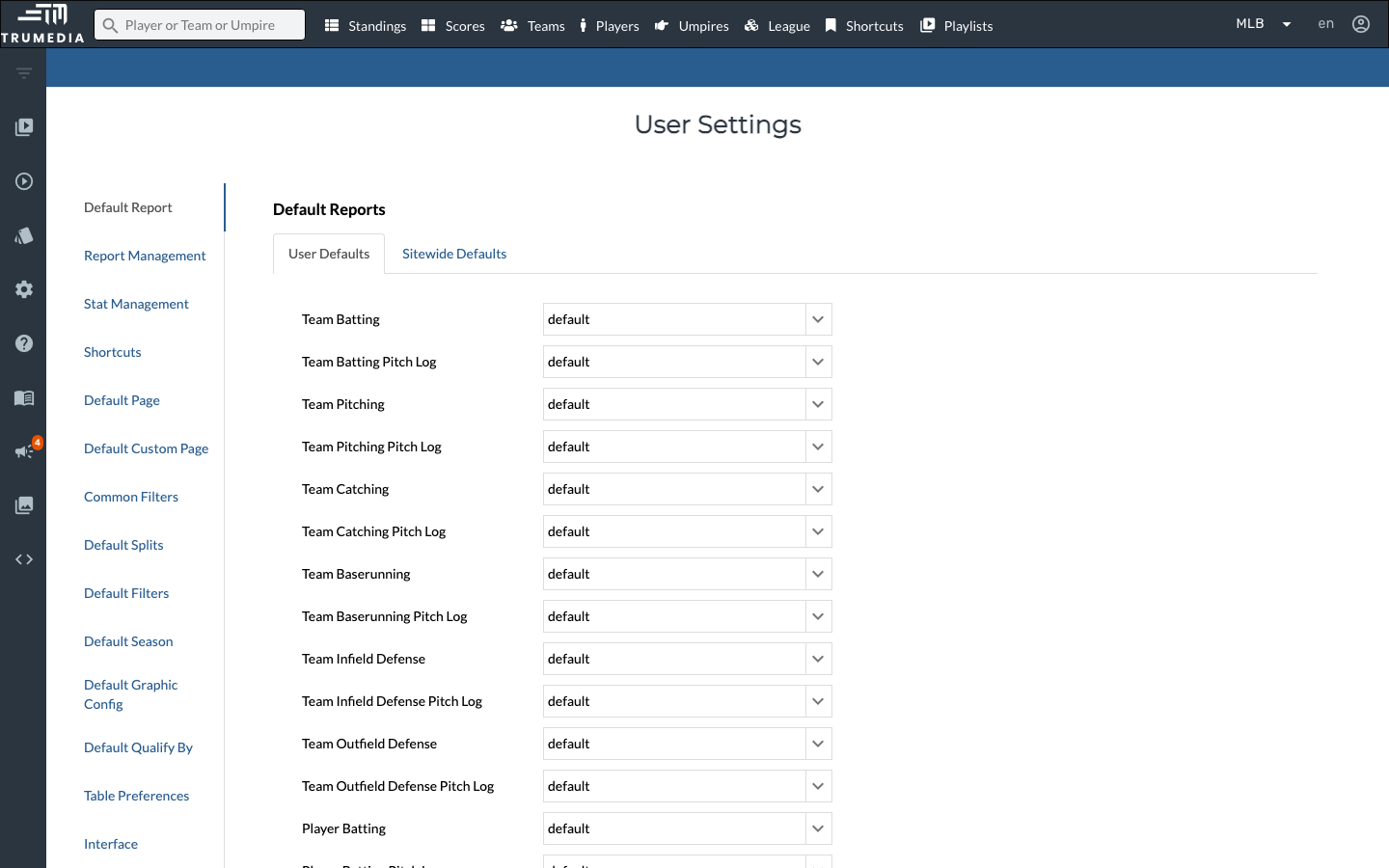
Step 1: Open the Settings page
Click the settings icon in the left sidebar to open the Settings page. This is where you manage your custom stats, default reports, shortcuts, and other preferences.
Step 2: Go to the Stat Management tab
Click Stat Management in the left menu. You'll see a table of all custom stats on your site, showing each stat's creator, label, name, description, and equation.
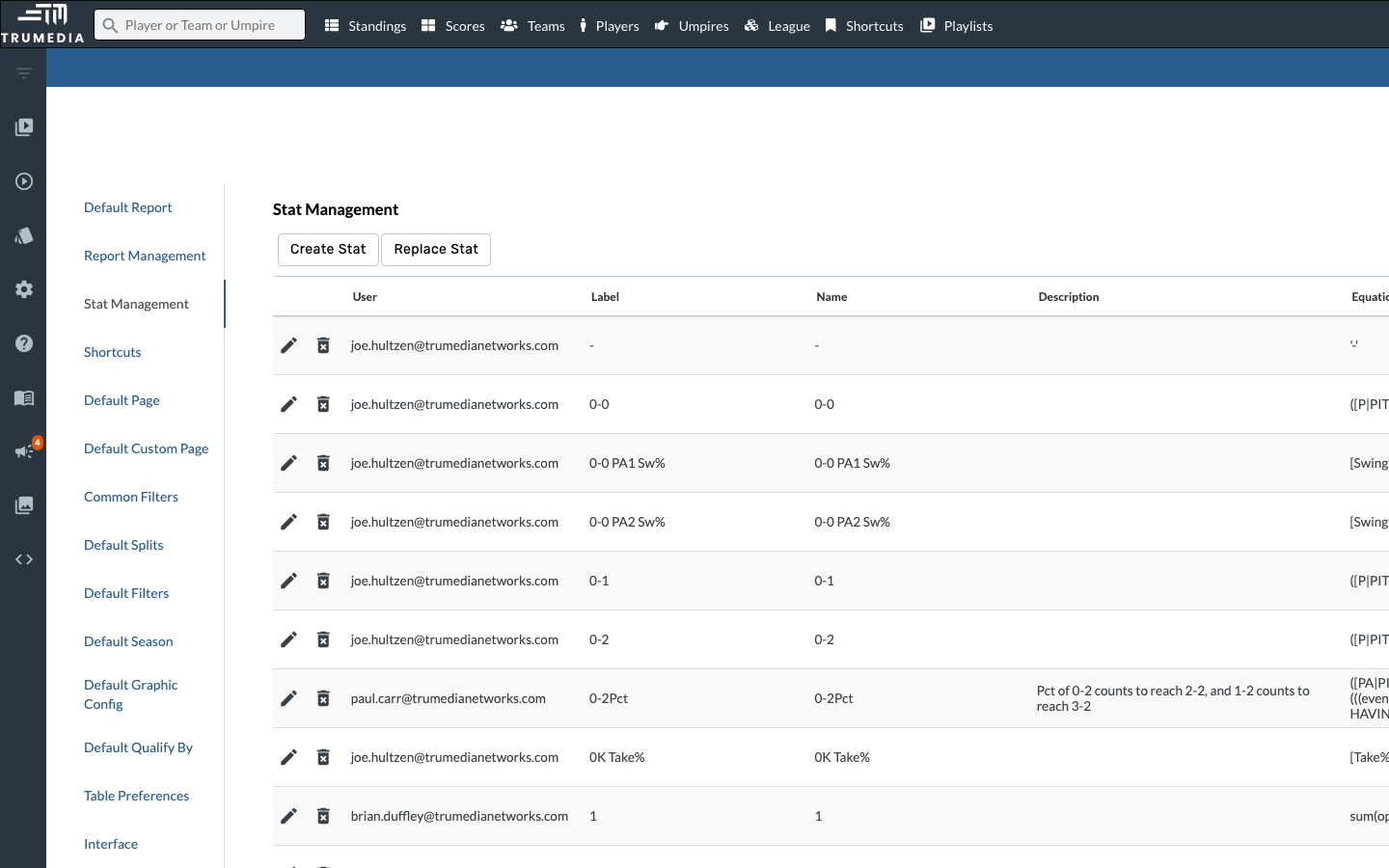
Step 3: Click Create Stat
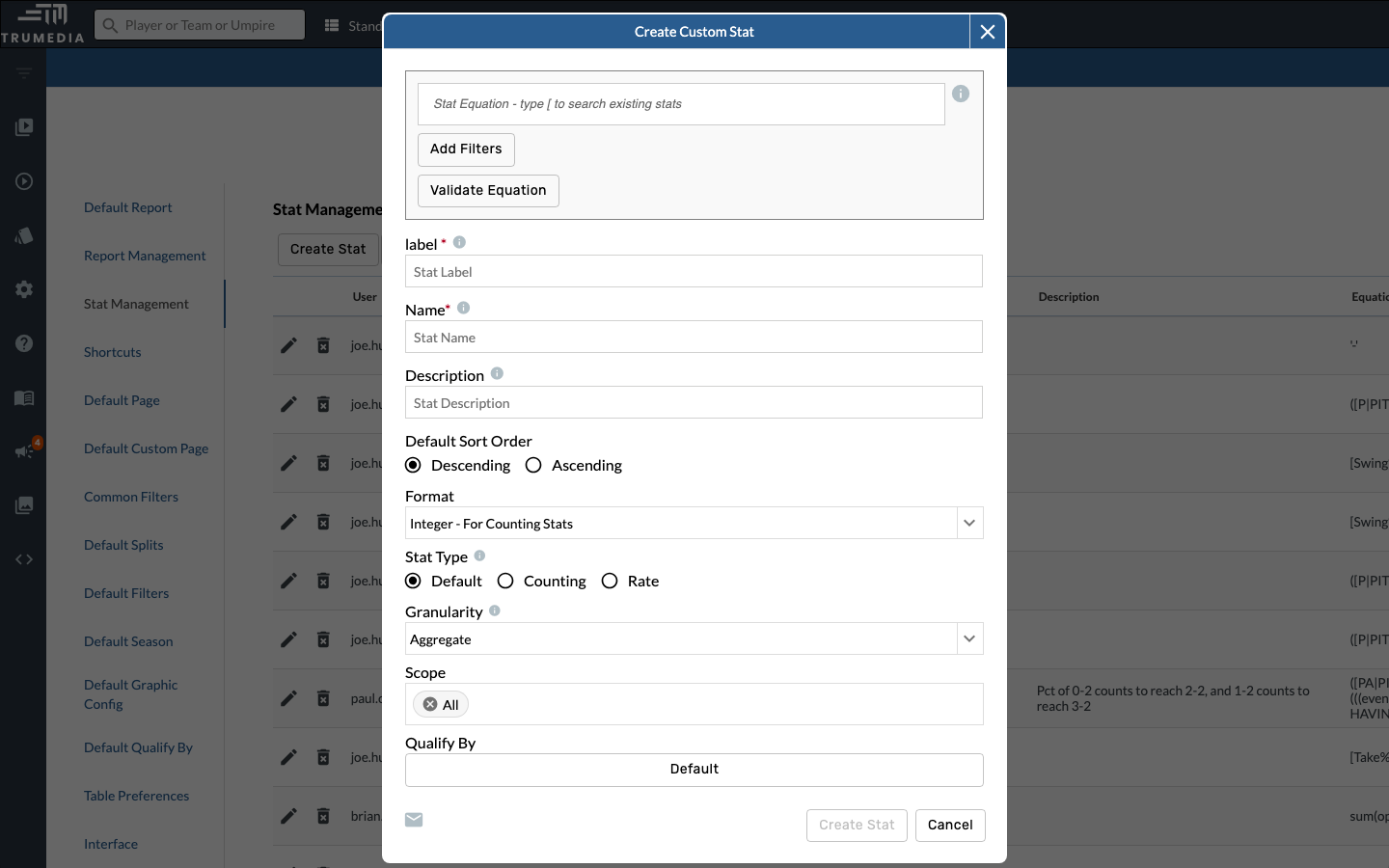
Click the Create Stat button at the top of the Stat Management table. This opens the stat creation modal where you can define your new stat's name, equation, and formatting.
Key Takeaway
The custom stat builder lets you create any stat you can define with an equation. Once saved, your custom stat appears alongside native stats in reports, leaderboards, and custom pages — giving you the flexibility to track exactly what matters to your workflow.