Apply Conditional Formatting to a Report
Use conditional formatting to color-code stats relative to league averages or custom thresholds. This makes it easy to spot outliers and compare performance at a glance.
Step 1: Navigate to a player's stats page
Go to a player's batting stats page. In this example, we'll look at Aaron Judge. Conditional formatting can be applied on player pages, team pages, and custom pages.
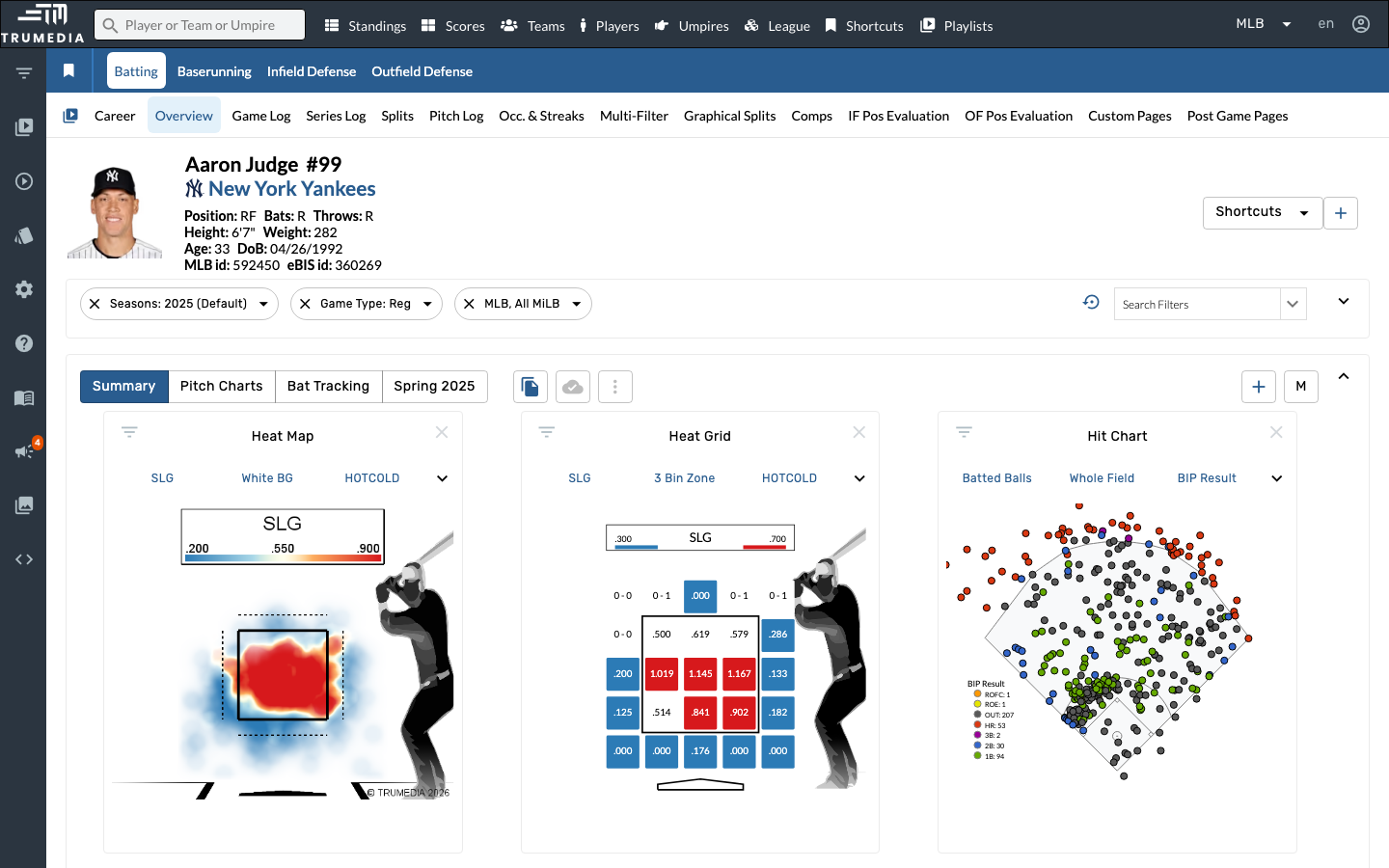
Step 2: Open the Comps tab
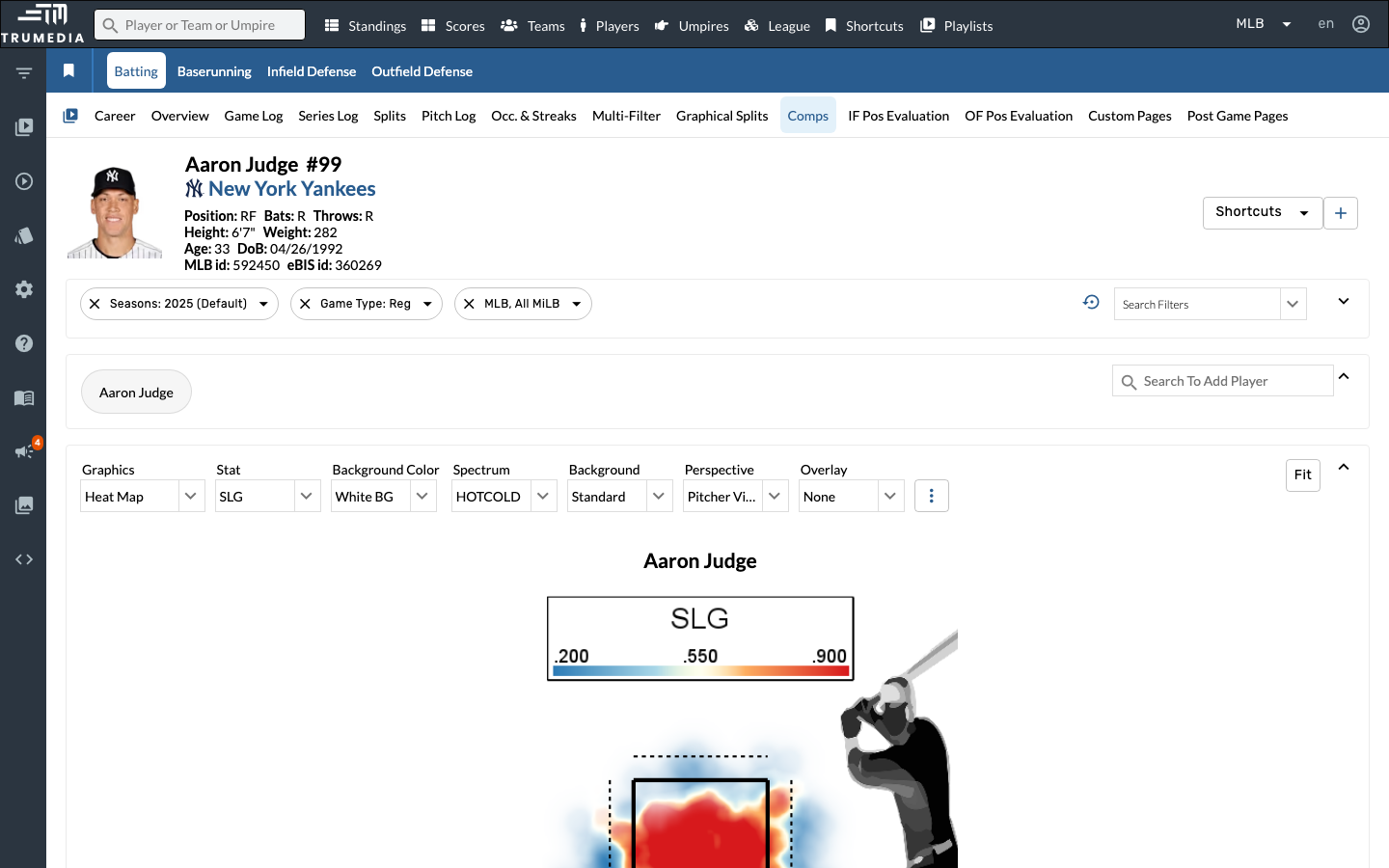
Click the Comps tab in the sub-navigation. The Comps page displays a comparison table with conditional formatting already applied — stats are color-coded green (above average) and red (below average) relative to the comparison set.
Key Takeaway
Conditional formatting transforms a wall of numbers into an intuitive visual display. Green highlights above-average performance and red highlights below-average, making it easy to identify strengths and weaknesses at a glance across any stats table.