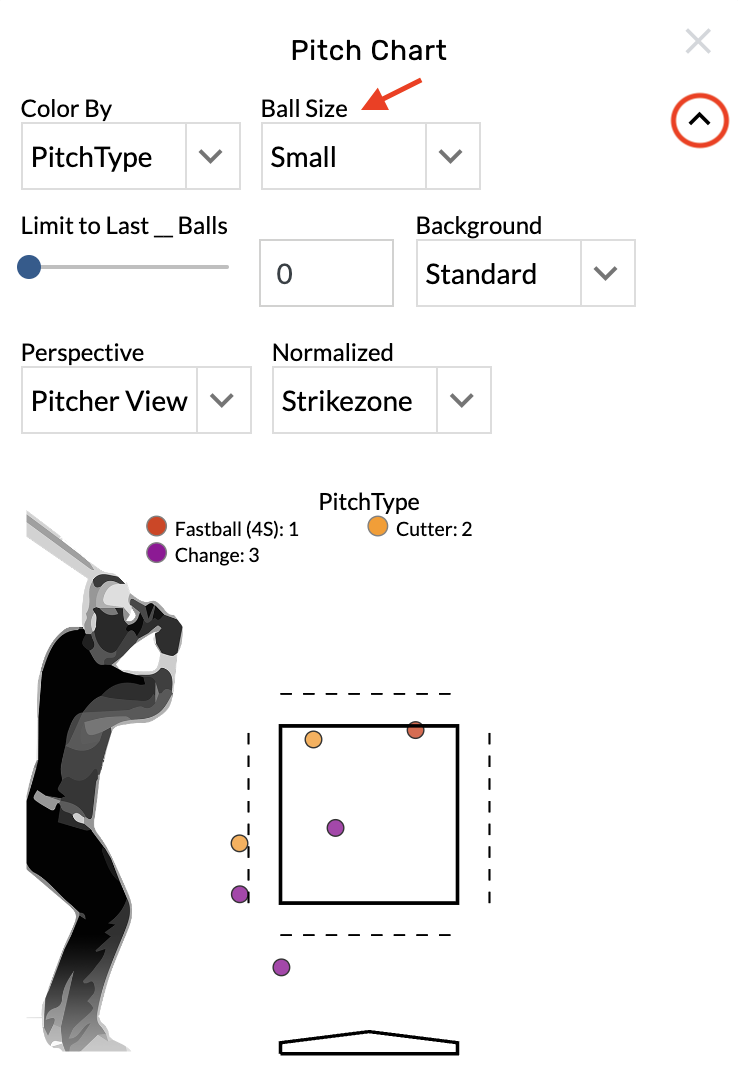
Pitch Charts
-
Graphics - Team & Player Pages
-
Open the graphic settings.
-
Choose from the Color By menu.
Flip the view perspective
-
Open the graphic settings.
-
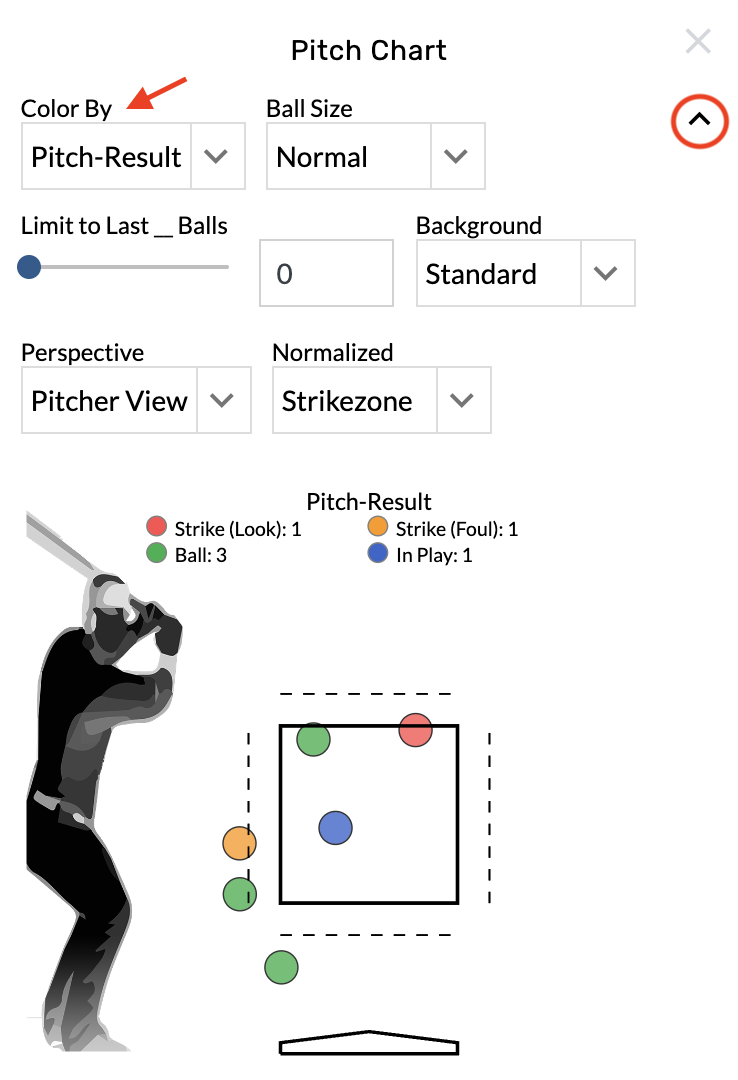
Choose from the Perspective menu.
Limit the number of pitches
-
Open the graphic settings.
-
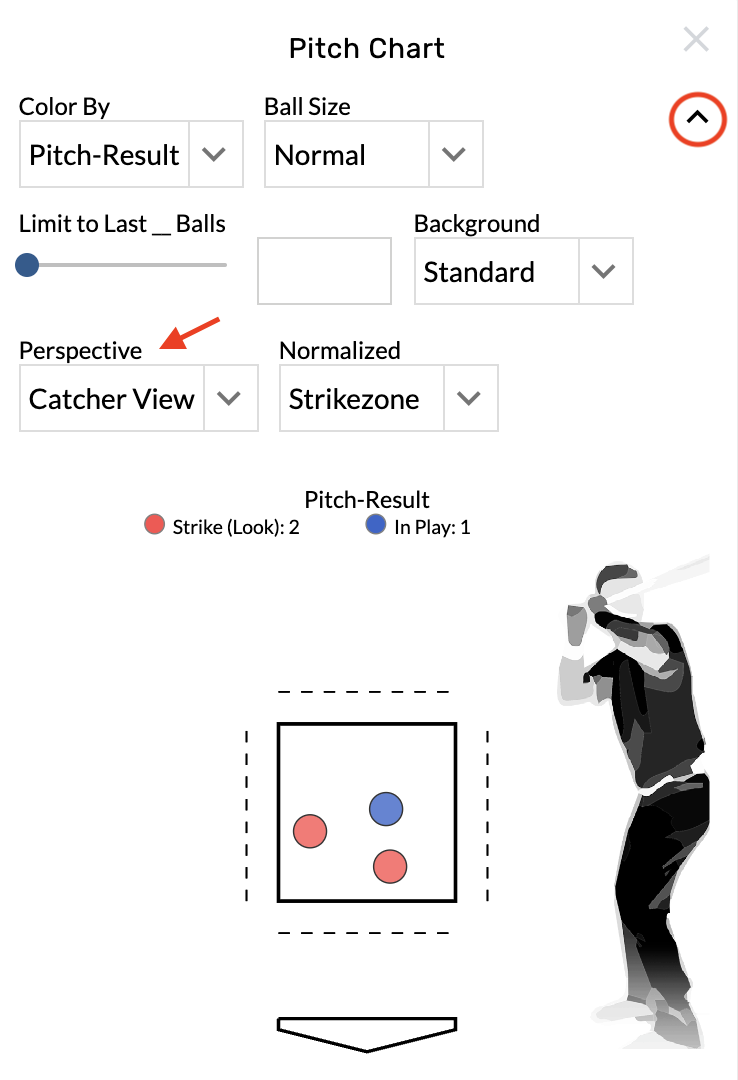
Locate the Limit to Last_Balls menu
-
Type into the text box on the right or drag the bar to set a limit.
Change the dot size
-
Open the graphic settings.
-
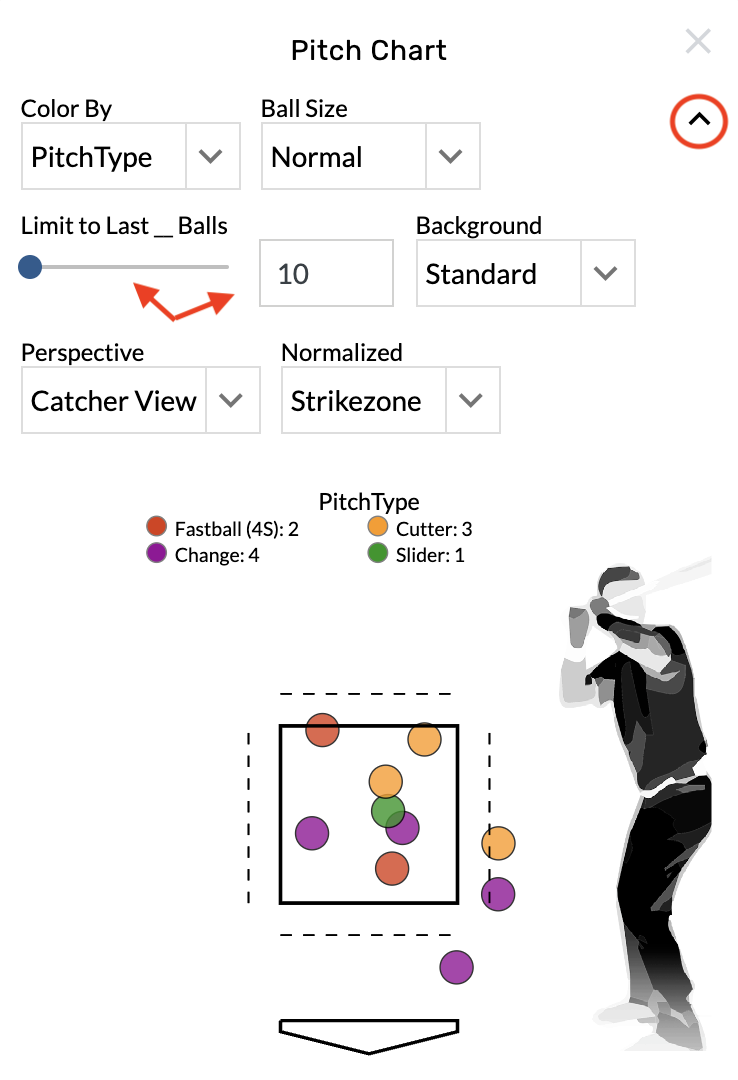
Choose from the Ball Size menu.