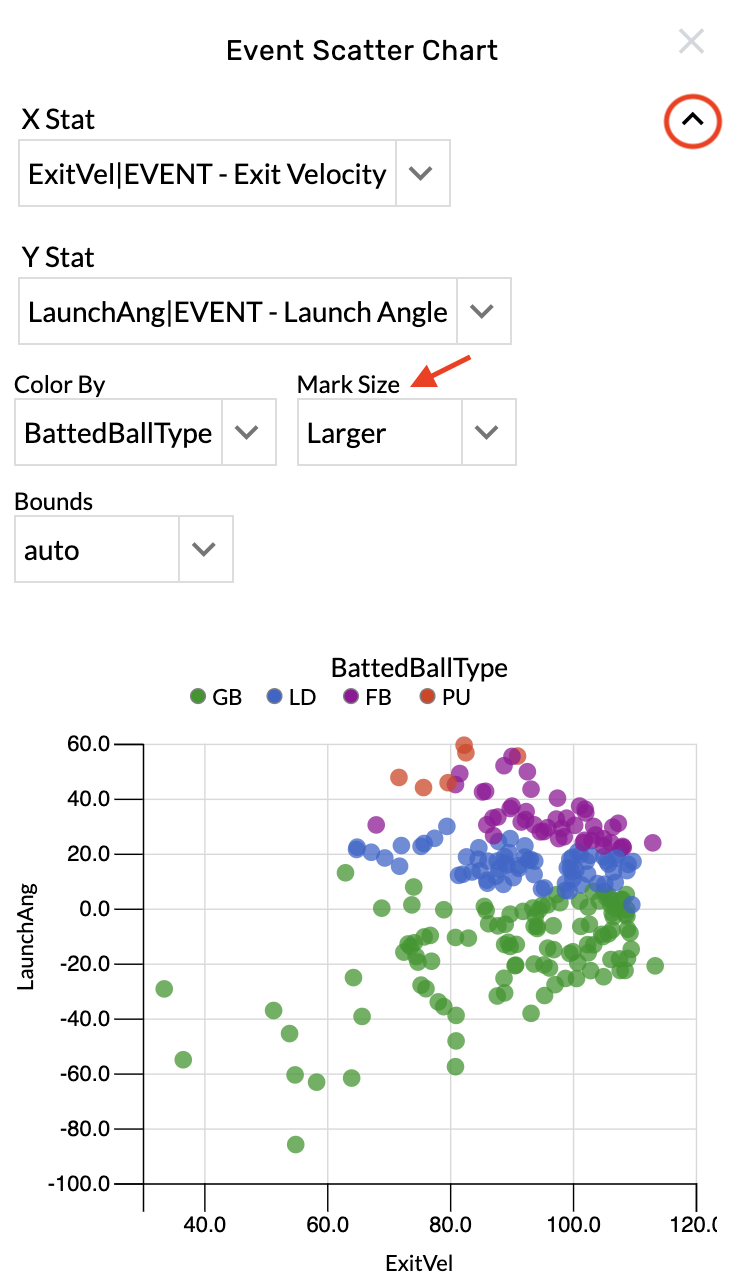
Event Scatter Charts
-
Graphics - Team & Player Pages
-
Open the graphic settings.
-
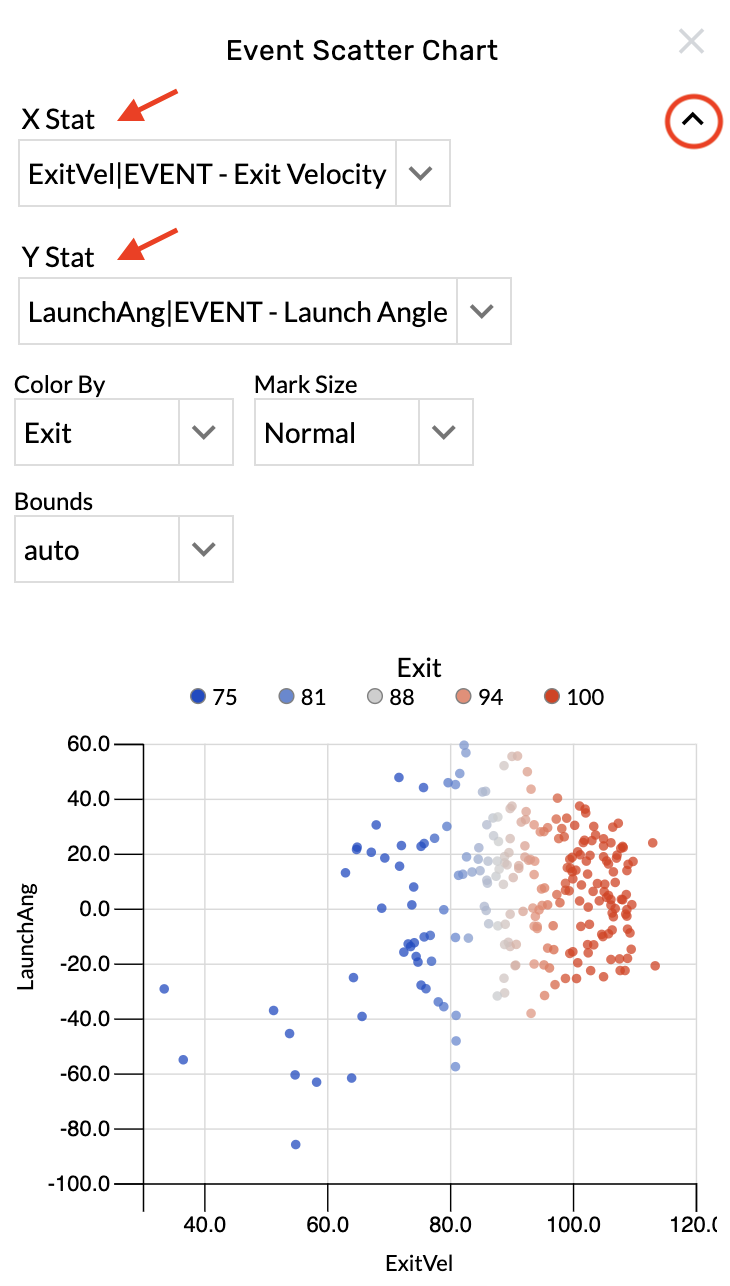
Choose an option from the "X Stat" menu.
-
Choose an option from the "Y Stat" menu menu.
You can add any event level stats available in your TruMedia library.
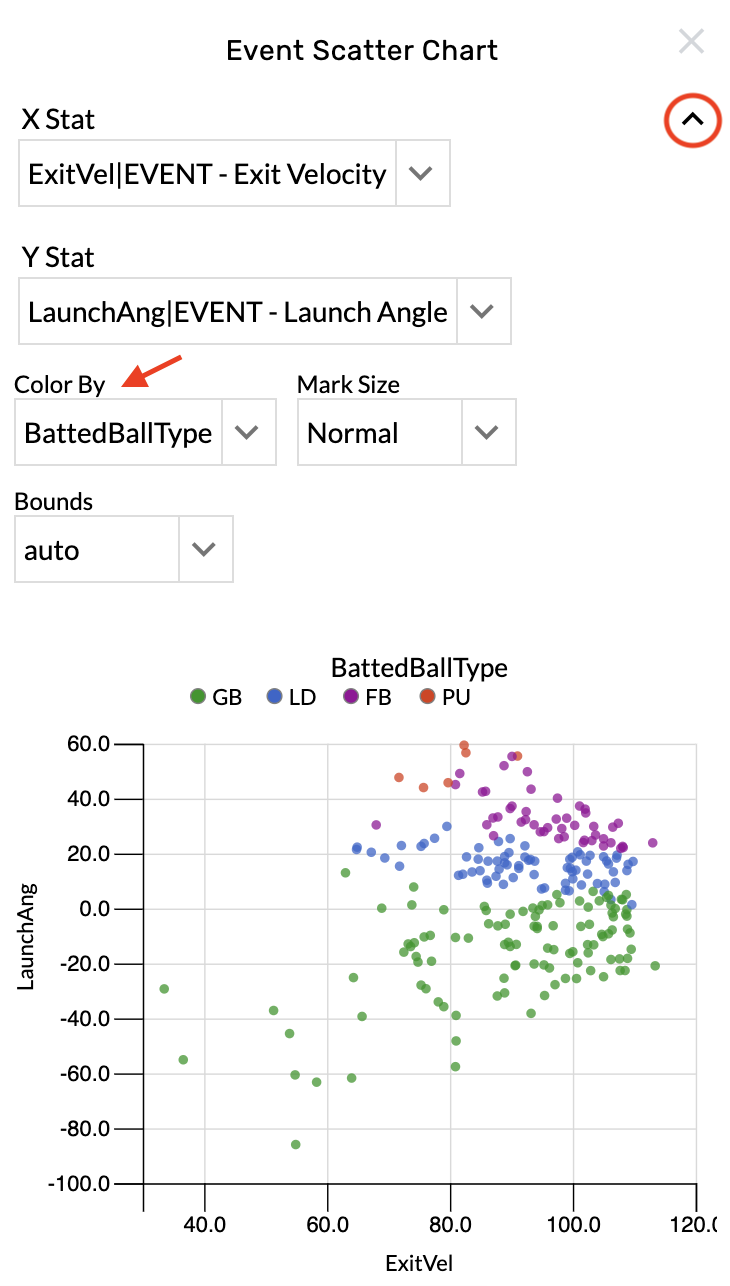
Change the color by stat
-
Open the graphic settings.
-
Choose from the Color By menu.
Change the dot size
-
Open the graphic settings.
-
Choose from the Mark Size menu.