-
Open the graphic settings.
-
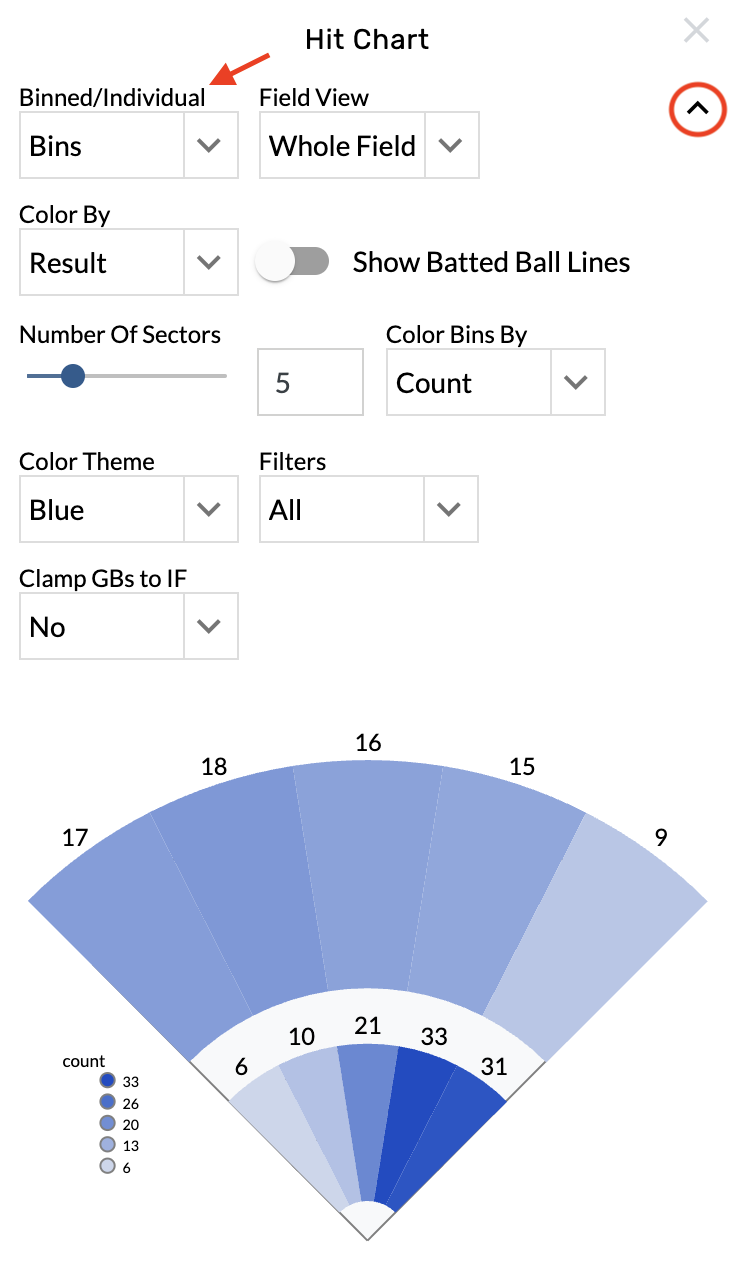
Choose from the Binned/Individual menu.
Change the bin count
-
Open the graphic settings.
-
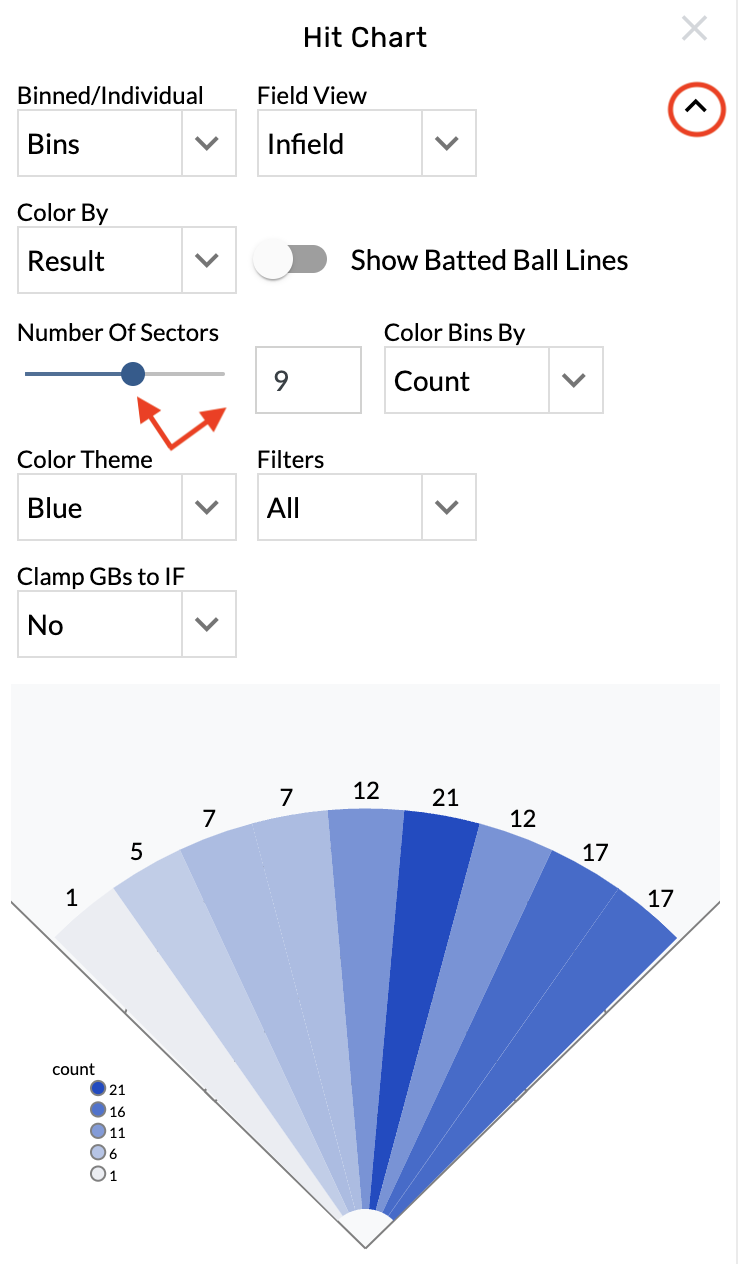
Locate the Number Of Sectors menu.
-
Type into the text box or drag the bar to set the bin count.
Zoom on the infield or outfield
-
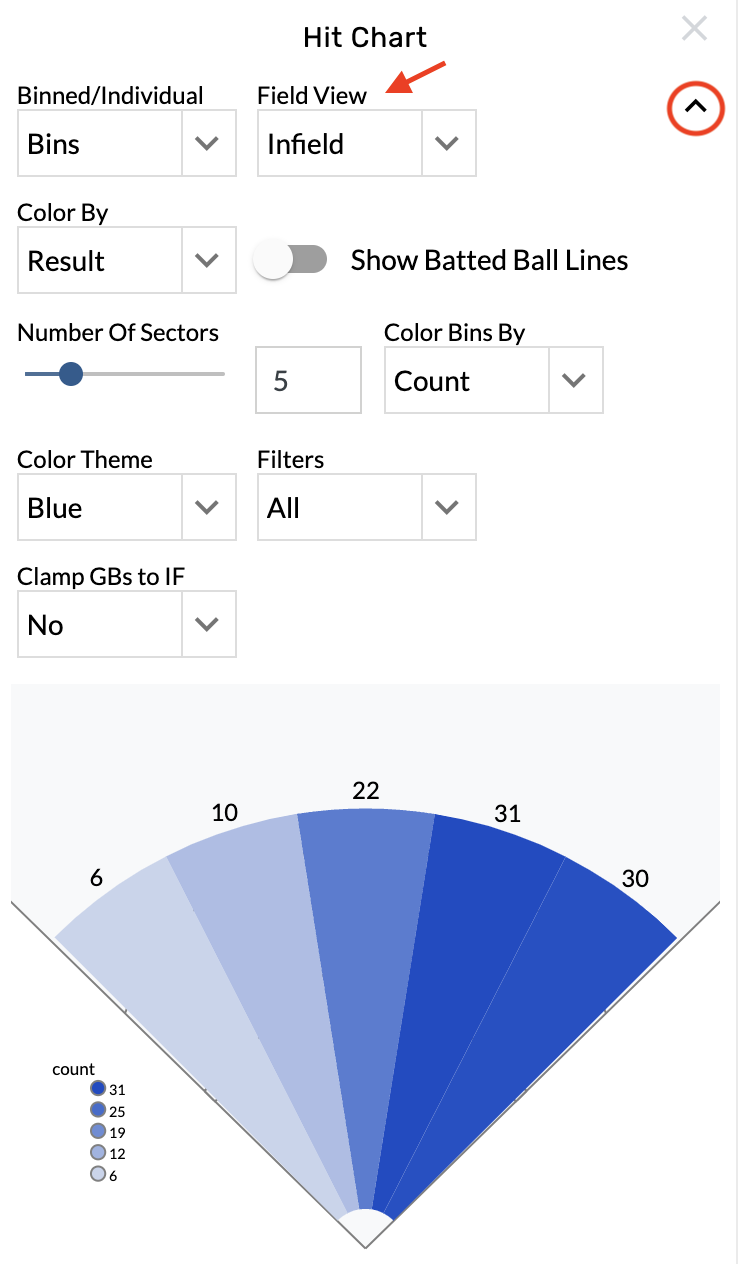
Open the graphic settings.
-
Choose from the Field View menu.
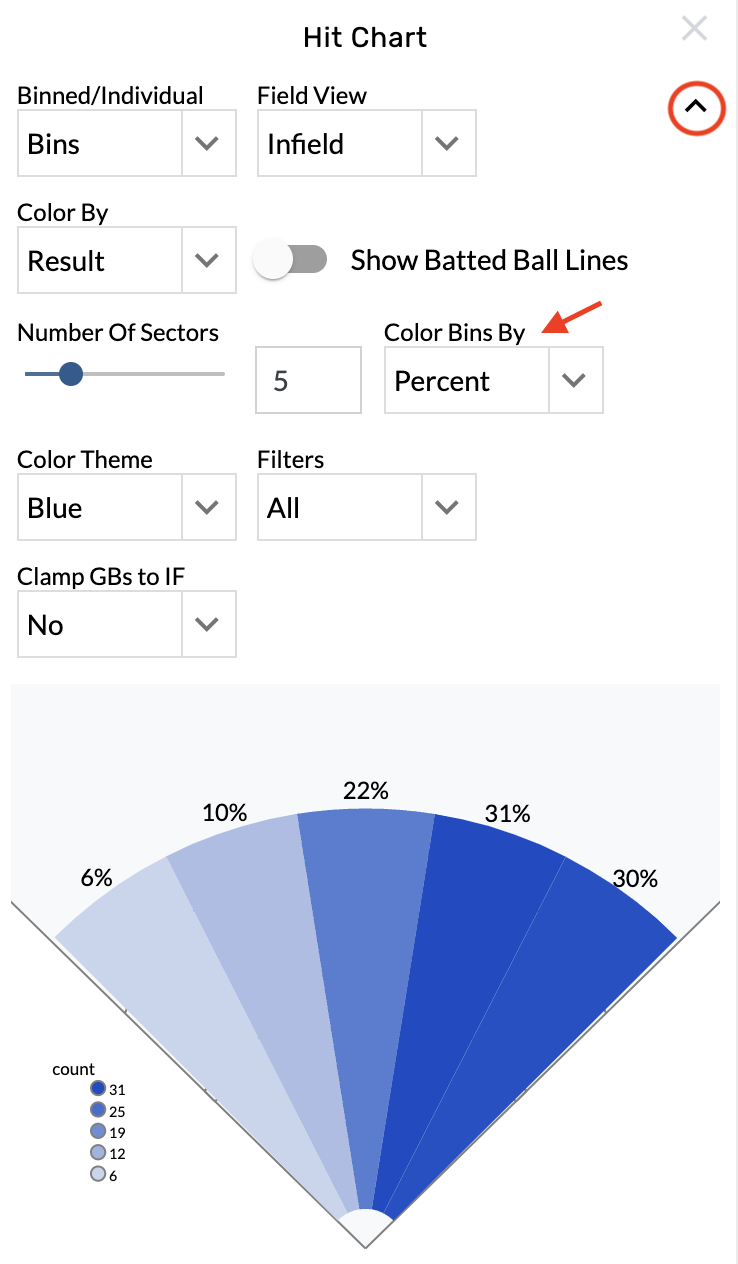
Change the color by stat
-
Open the graphic settings.
-
Choose from the Color Bins By menu.
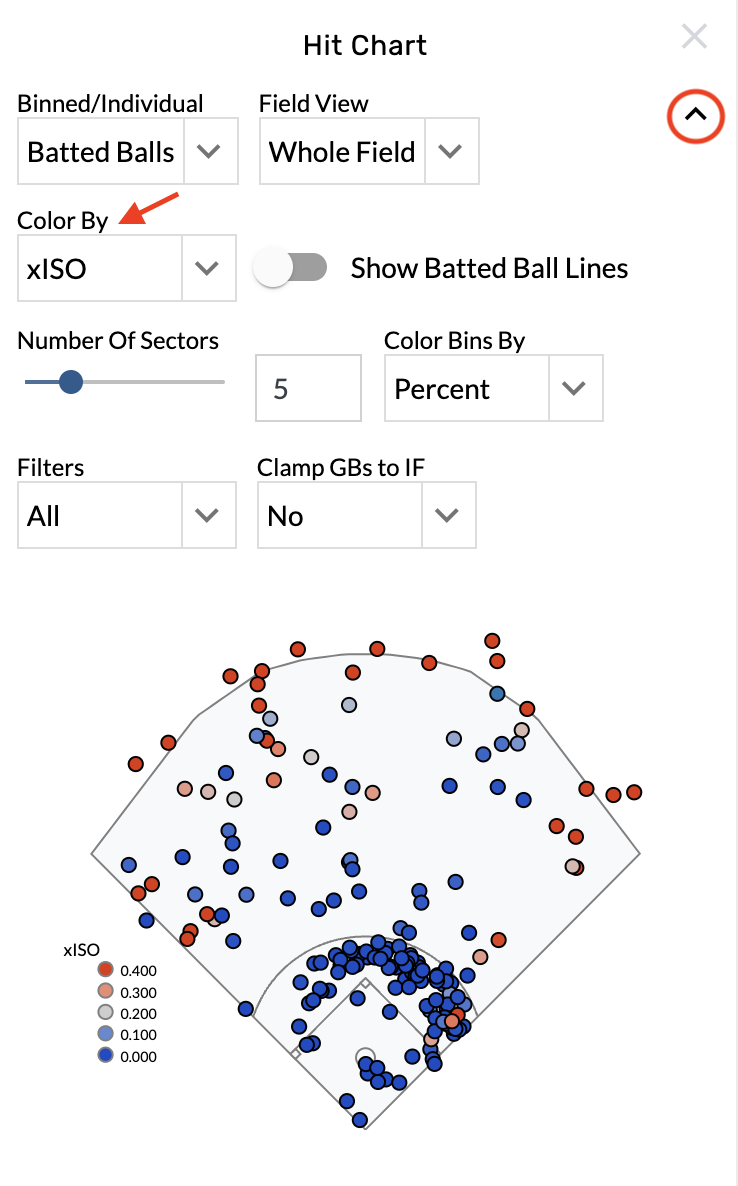
Change the batted ball color
-
Open the graphic settings.
-
Choose from the Color By menu.
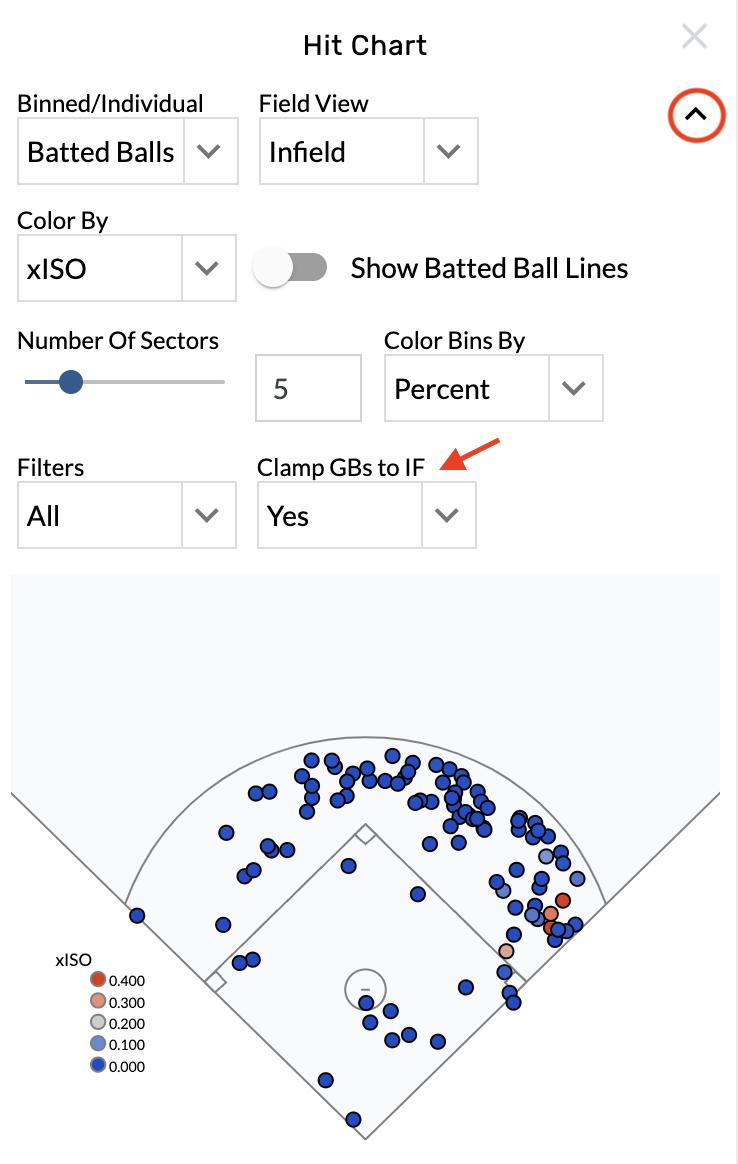
Clamp ground balls to the infield
-
Open the graphic settings.
-
Select Yes from the Clamp GBs to IF menu.
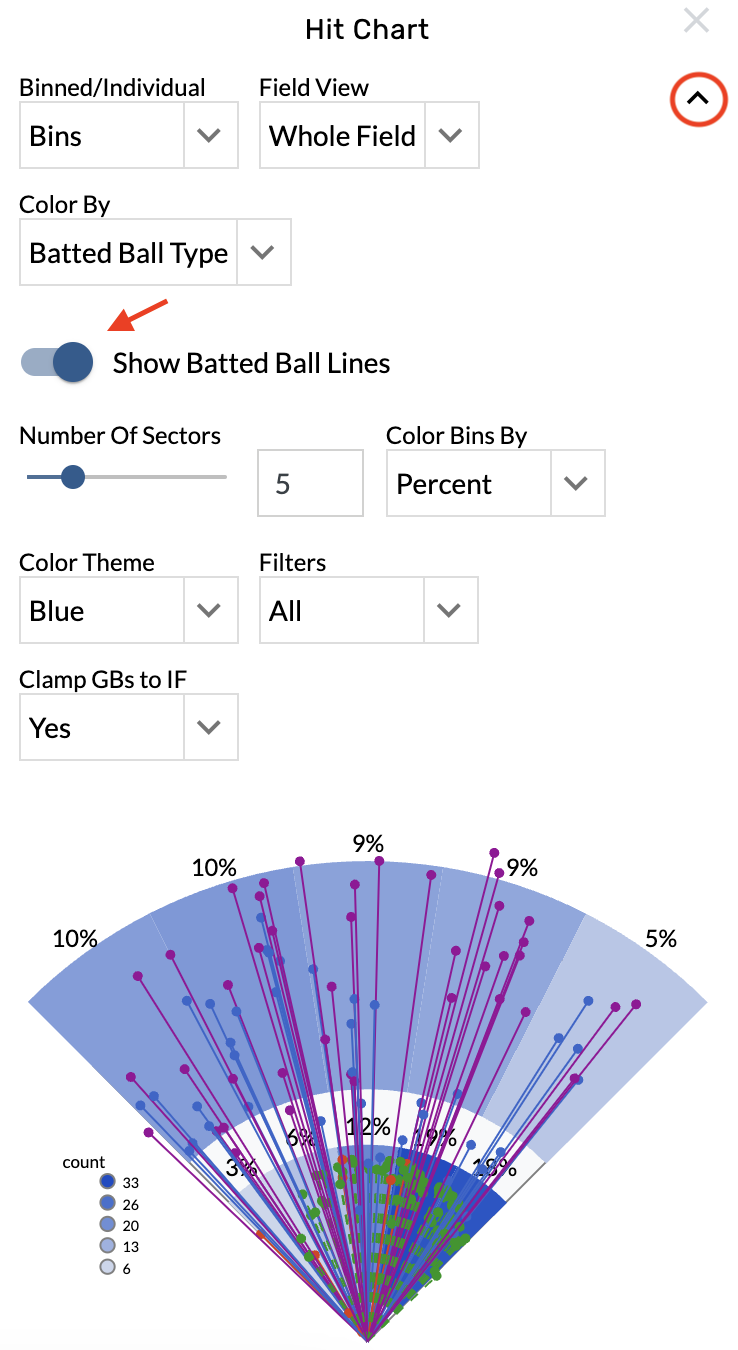
Show batted ball lines
-
Open the graphic settings.
-
Toggle on the Show Batted Ball Lines option.