-
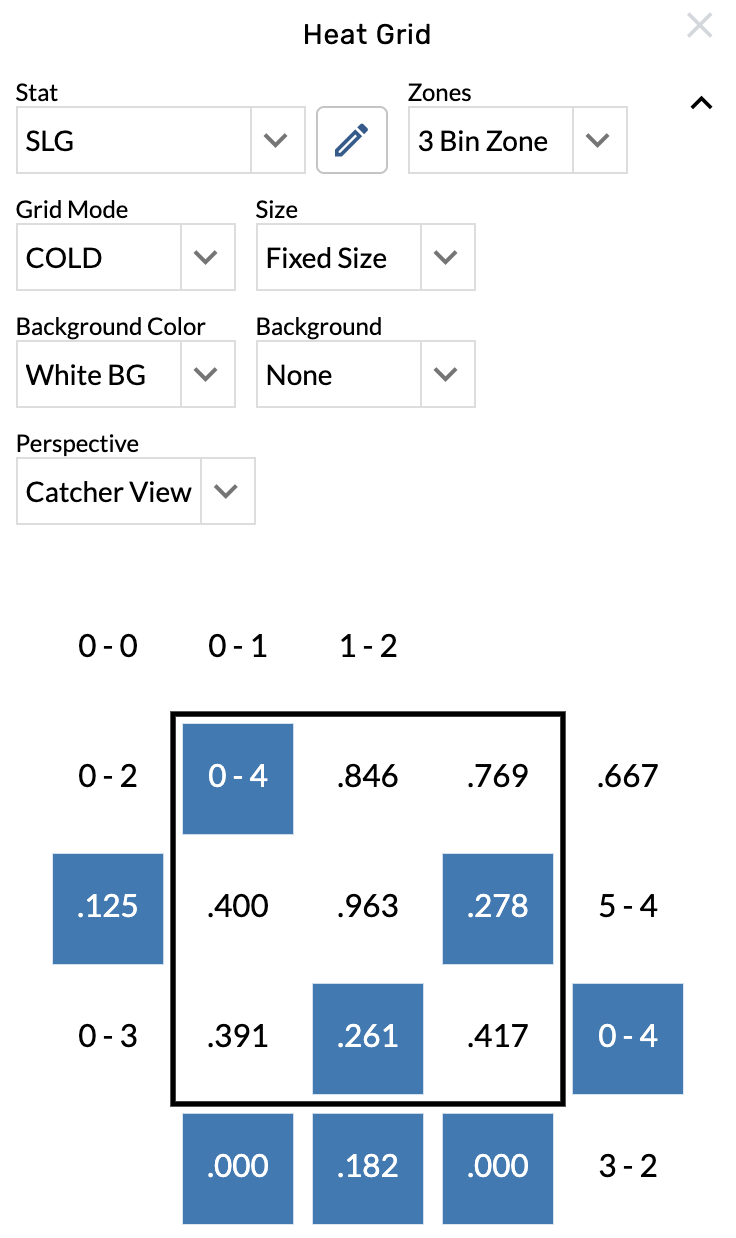
Open the graphic settings.
-
Choose from the Stat menu.
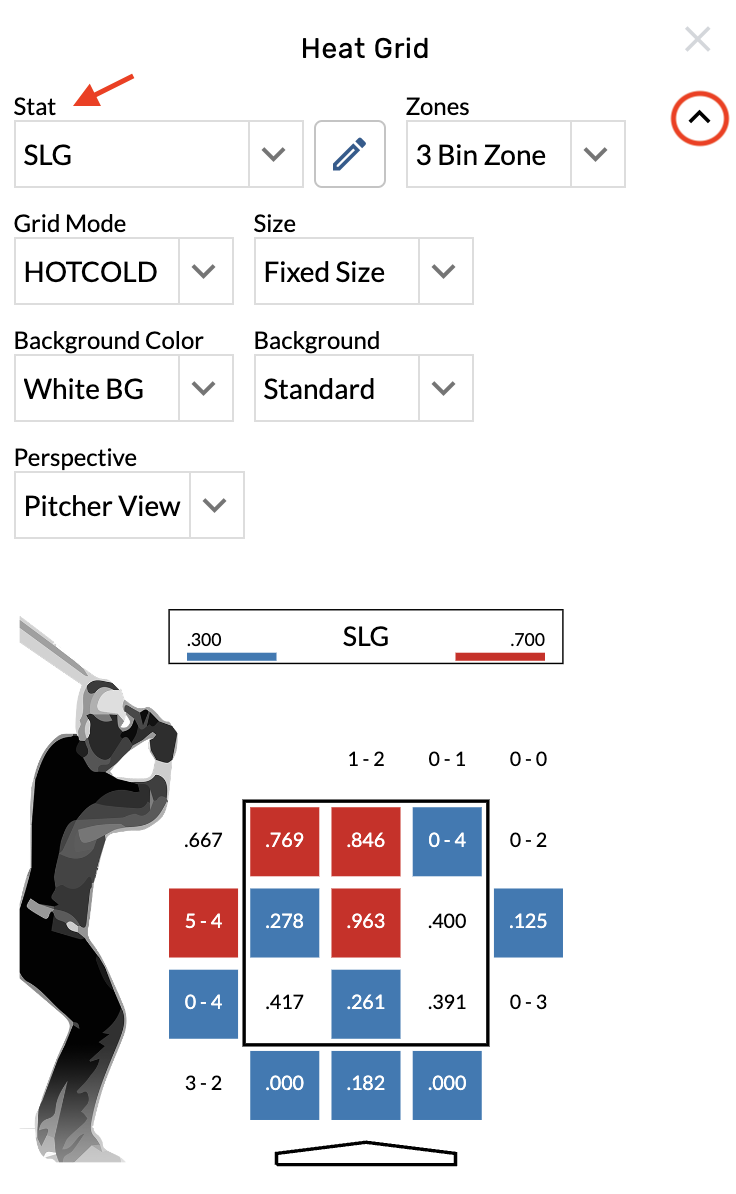
Flip the view perspective
-
Open the graphic settings.
-
Choose from the Perspective menu.
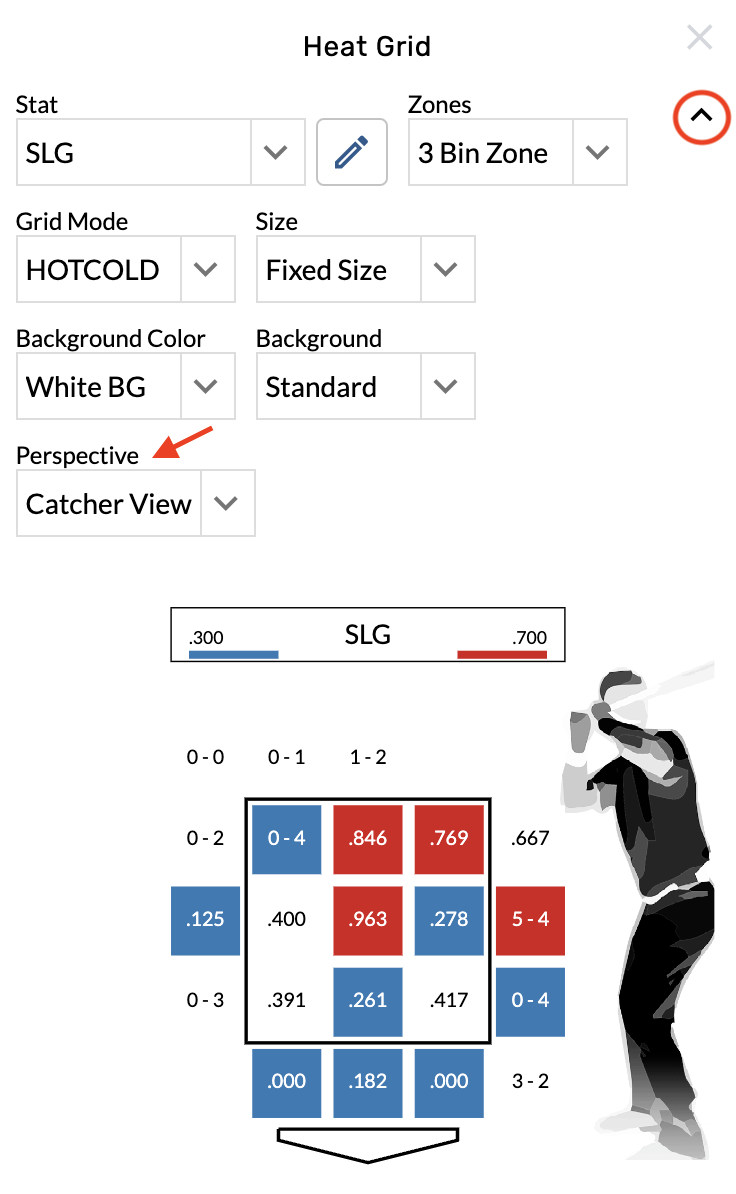
Change the color scheme
-
Open the graphic settings.
-
Choose from the Grid Mode menu.
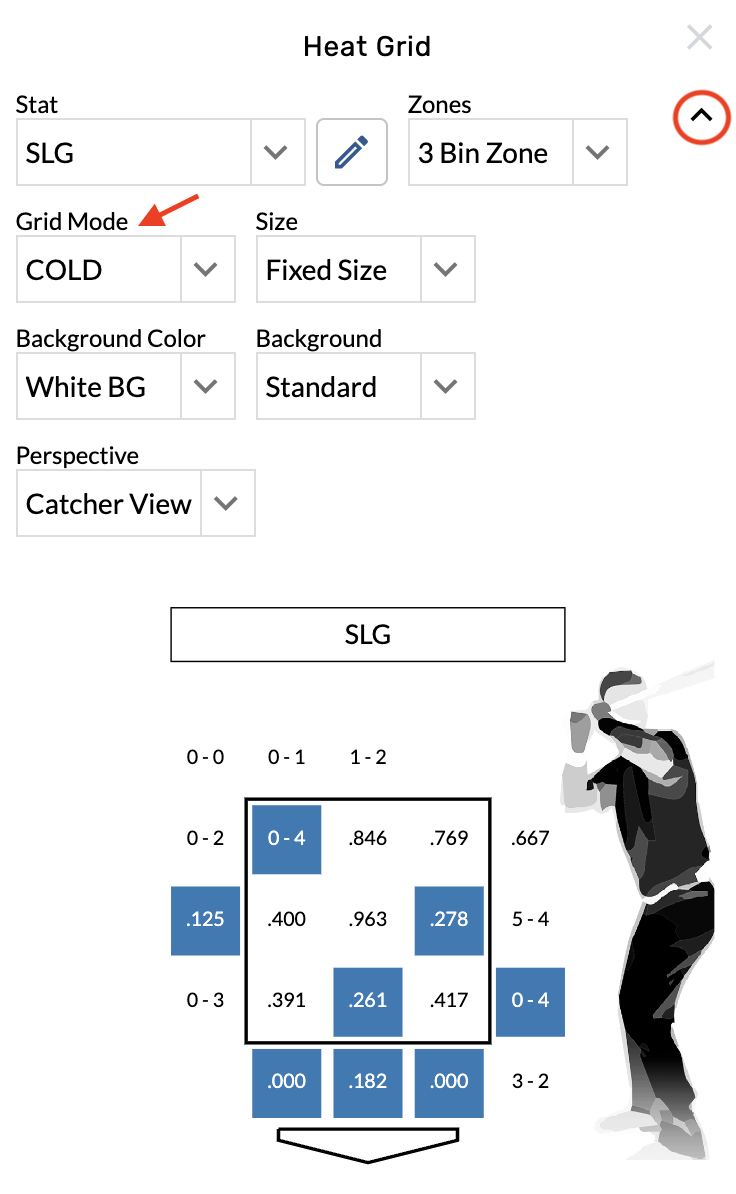
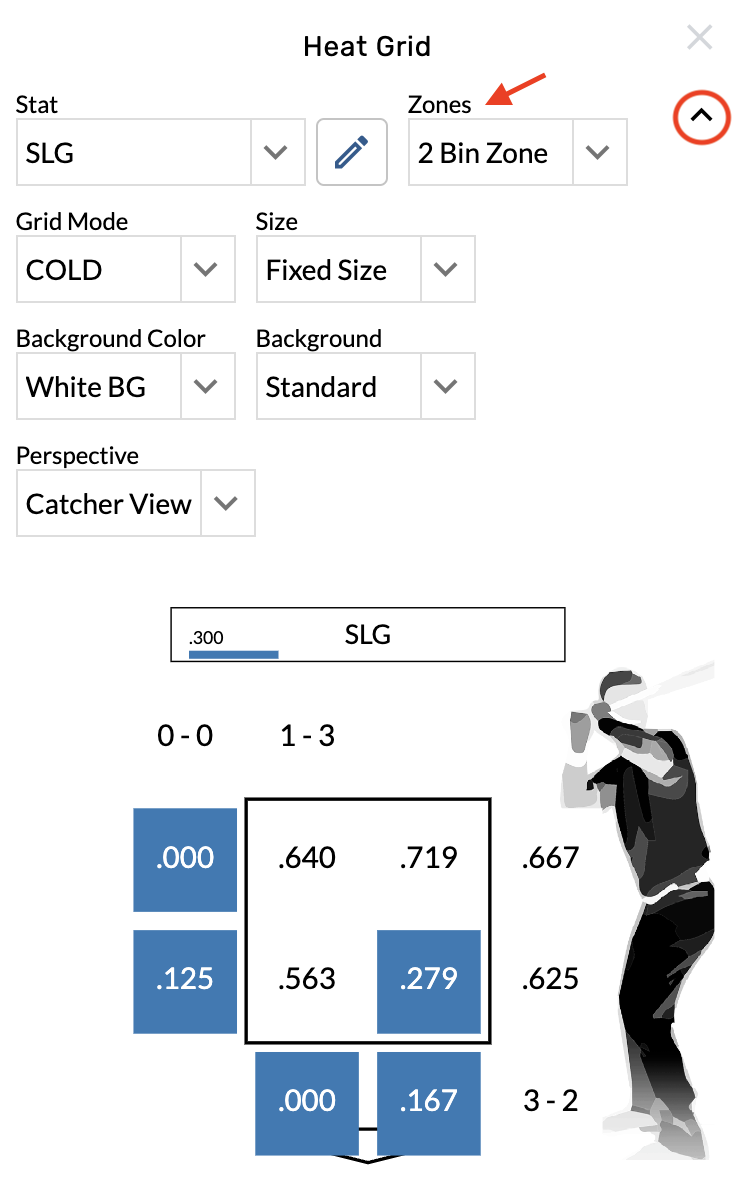
Change the bin count
-
Open the graphic settings.
-
Choose from the Zones menu.
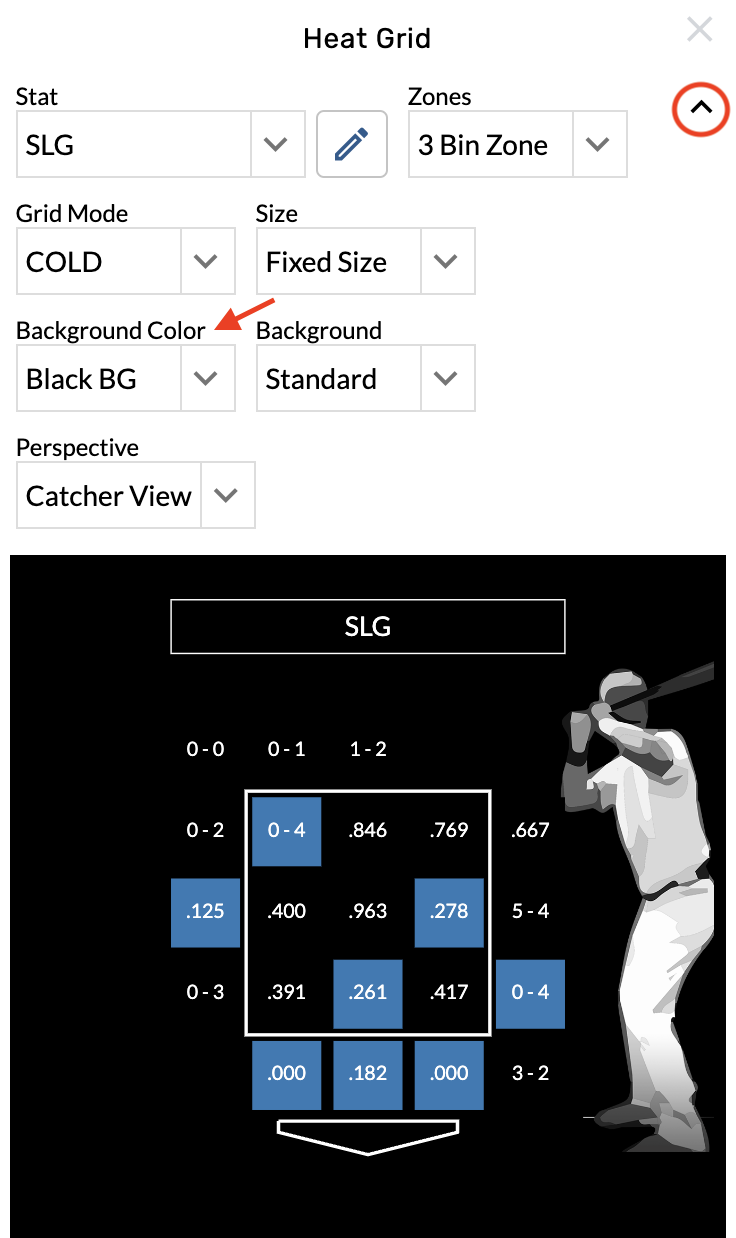
Change the background color
-
Open the graphic settings.
-
Choose from the Background Color menu.
Remove the hitter image
-
Open the graphic settings.
-
Choose from the Background menu.