November 19th, 2025
Enhancements
Sequence/Possession Chart improvements
[ ]
]
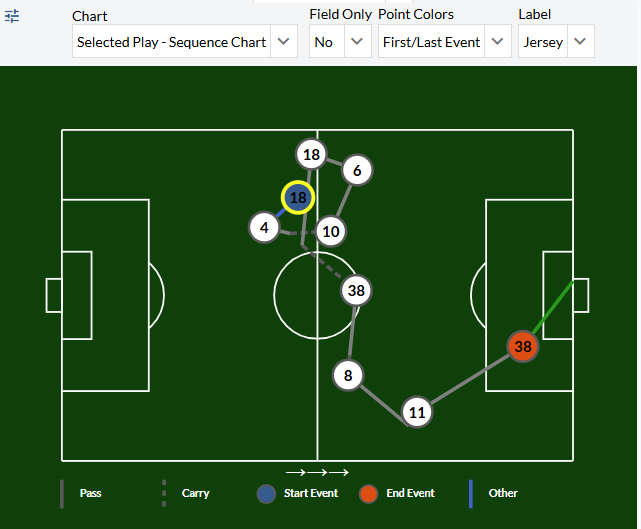
Carry lines have been added. When a pass is received and then carried, the chart point will be reflected at the end of an action. In the example above, #18 passes to #38 who proceeds to carry the ball into the attacking half and pass to #8.
There are several new controls that allow the user to color by Start/End event, label the event points by player jersey or event number, and view the graphic in Field Only view.
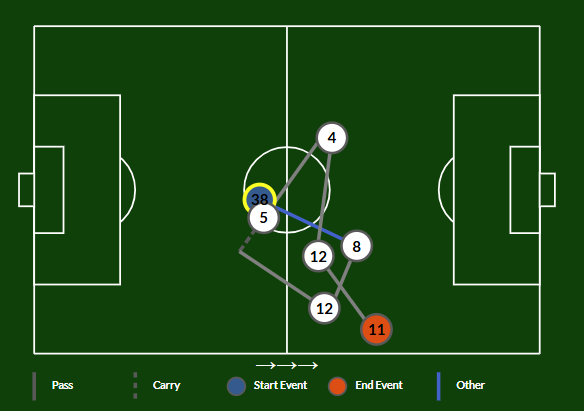
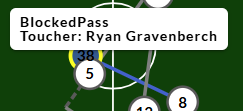
Non-passes and non-carries are colored blue, recognized in the legend as a generic Other option. The example below shows a blocked pass attempt between #38 and #8. Hovering over the line will show a tooltip indicating the other event.
[ ][
][ ]
]
Goals will be colored green/red based on make/miss. The goal was also added to these charts and all other field charts.
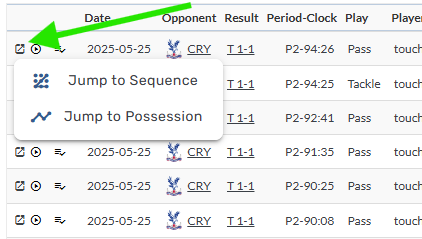
Jump to Sequence/Possession added to Event Explorer + Custom Pages Play by Play tables
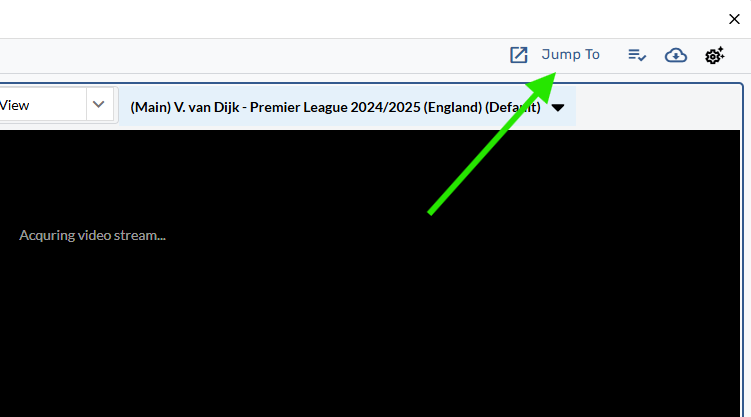
The Jump to Sequence button has been added to the main Event Explorer tab allowing users to open a given event in the Sequence Drill Down tab.
[ ]
]
The Jump to Button has also been added to Custom Pages Play by Play tables.
[ ]
]
Additionally, users can now watch a given event by clicking the play icon on the table.
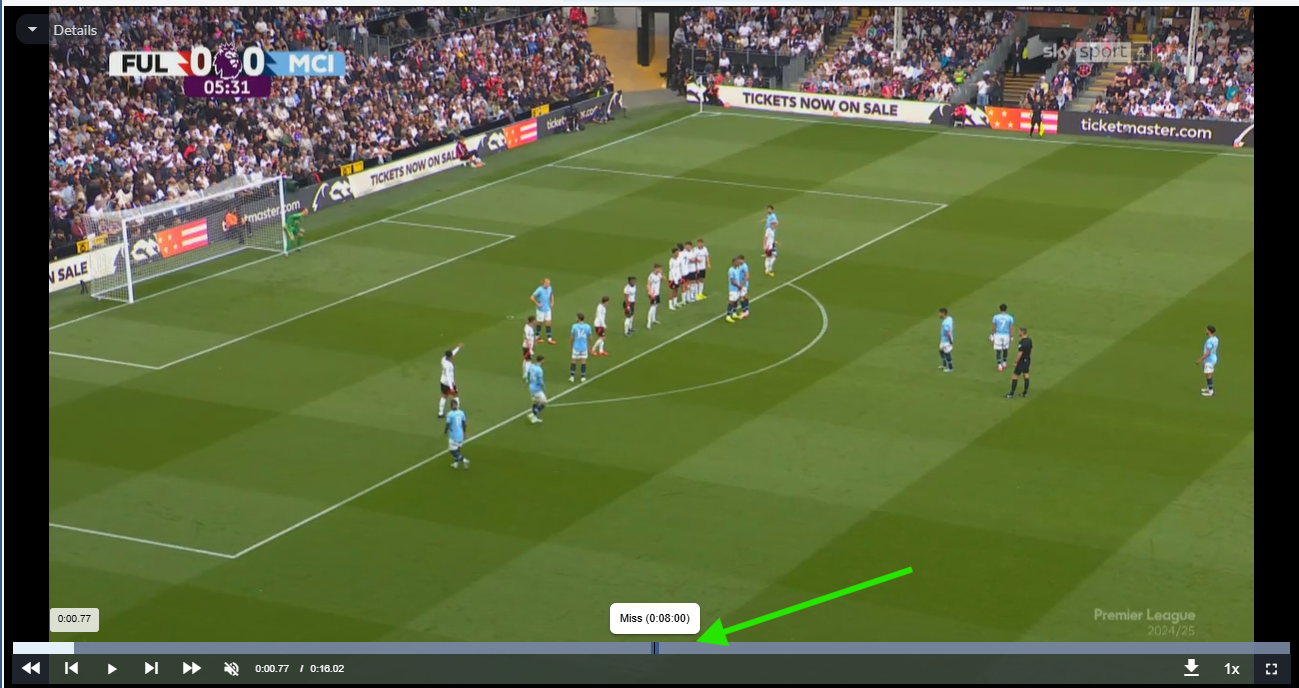
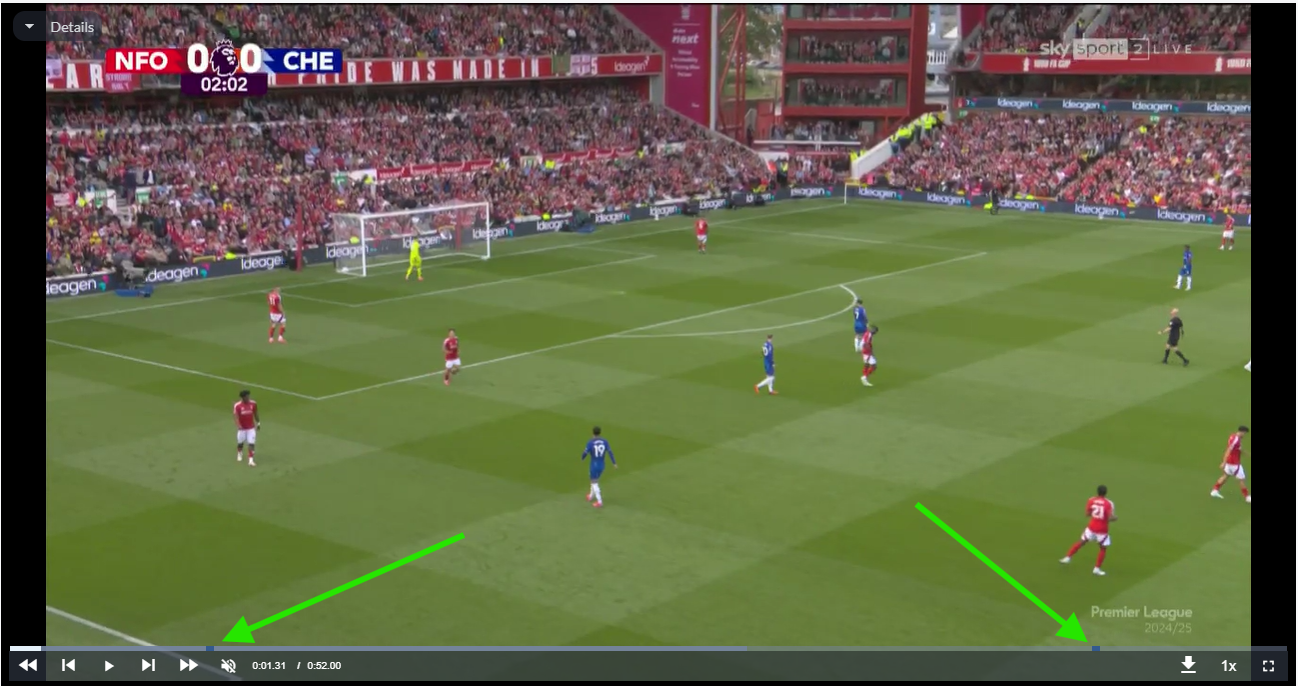
Event markers added to Video Player
Single event:
[ ]
]
Start and end markers for Sequences and Possessions:
[ ]
]
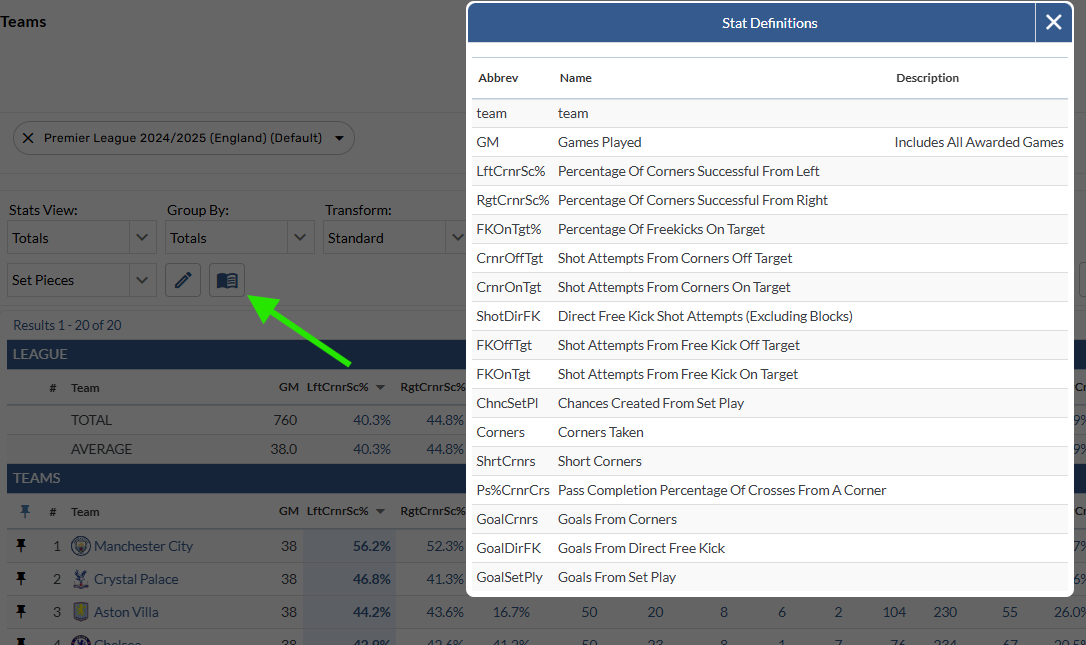
View a table's Stat Definition list with new button
A new button has been added to pages with tables, allowing users to view the stat definitions for the selected report.
[ ]
]
Open a Single Stat in the Event Explorer
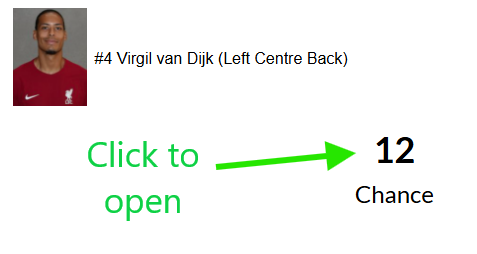
The Single Stat component available on Custom Pages has been enabled to allow users to open the stat playlist in the Event Explorer.
[ ]
]
Table transforms added more places
The table transform control has been added to Player/Team Match Log, Player/Team Graphical Splits, League Stats, League Grouped Player Stats, League Charts